Crafting in Chop Chop Inc
From axe swings to furniture sets that pay bonus cash
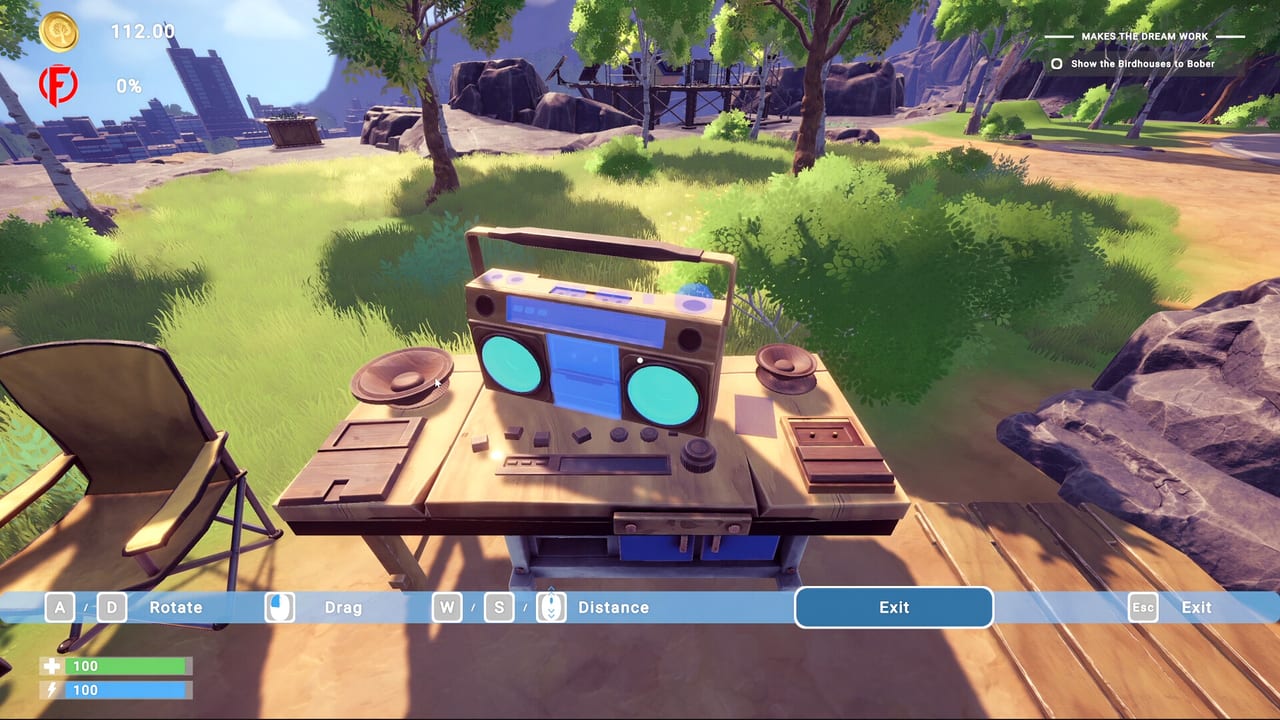
Crafting is the spine of Chop Chop Inc, NullRef Entertainment’s first-person furniture simulation published by rokaplay select on Steam PC. After Furnox Corp fires you, every plank you mill and every chair you assemble is a step toward revenge-driven profit. The full game launches August 7, 2026 at €12.99, with a live demo that already teaches the manual loop: chop trees, process wood, craft pieces, sell output, and reinvest before automation takes over.
This hub collects every crafting reference you need before and after release. English and German are supported in-game; these guides stay in English for quick lookup while you play.
The core crafting loop
Chop Chop Inc never hides its pipeline. You cut timber in the field, haul logs to processing stations, convert raw wood into planks and components, then use blueprints at workbenches or production lines to build sellable furniture. Early hours are hands-on; later progression introduces machines, NPC helpers, and distribution upgrades that keep the same recipe logic but remove repetitive clicking.
Walnut and other specialty woods matter because recipes gate on material quality. Some blueprints demand refined planks, bought components, or outputs from stone, metal, and electric trees—resource types that break the usual forest fantasy and push you toward the tree types guide before you overcommit to a product line.
What each crafting guide covers
Use the pages below as a reading order or jump to your bottleneck.
- Furniture Catalog — Every major product family, set bonuses, and which items fund early cash flow versus late-game prestige pieces like the wooden PC or weight bench.
- Blueprints — How recipes unlock, duplicate, and scale when you expand HQ capacity or hire NPC crafters.
- Materials Processing — Log to plank workflows, machine chains, firewood side products, and when to buy inputs instead of gathering them yourself.
- Overengineering — Optional parts on blueprints, wooden PCs, weight benches, and how extra components raise value before set bonuses pay out.
Each guide cross-links to Build pages for machines and HQ upgrades, Trees for sourcing, and progression content like the walkthrough and tier list when efficiency rankings help you choose what to craft next.
Furniture sets and bonus payouts
Steam store copy and demo feedback both emphasize furniture sets and overengineering: completing a themed bundle before shipping grants bonus cash compared with selling mismatched one-offs, while optional parts on prestige crafts like the wooden PC inflate sale value further. Sets reward planning. You stockpile matching legs, tops, and accents, then trigger a payout spike that funds the next machine tier.
Sets also interact with stats and cooking—character upgrades and kitchen recipes can shorten craft times or improve sale prices depending on how NullRef balances the full release. Track set requirements in the furniture catalog and compare opportunity cost on the tier list before you dedicate walnut stock to a low-margin line.
Manual demo vs automated full game
The public demo focuses on manual labor: you swing the axe, carry logs, and place furniture yourself. The full game promises optimized lines where logs become planks, planks become products, and products move toward buyers without micromanaging every stroke. Crafting rules stay consistent—automation changes throughput, not recipes.
If you are demo-limited, practice efficient materials processing routes near your campsite and note which blueprint tiers stay locked until HQ upgrades arrive in the retail build. The materials processing page lists choke points players hit when they sell starter stock too early and lack tent or housing components later.
Crafting vs Furnox Corp
Furnox represents the corporate machine you escaped. Their catalog is implied to favor mass production; your startup wins by clever sets, weird designs, and vertical integration from forest to showroom. Crafting choices therefore double as narrative beats—every unusual blueprint is both a joke and a margin opportunity.
Related guides outside this hub
Crafting does not exist in a vacuum. Map knowledge speeds tree runs (world map). Controls and comfort settings reduce fatigue during long craft sessions (controls). Beginner pacing lives in Guides, especially early money tips before you unlock NPC helpers or city-scale HQ upgrades.
Bookmark this hub before launch week. When August 2026 patches shift recipe costs or add blueprints, check Updates and return here for revised set lists and processing chains.
Frequently Asked Questions
Quick answers to the most common Chop Chop Inc questions.
What is the basic crafting loop in Chop Chop Inc?
Chop trees for logs, process wood into planks and components, craft furniture from blueprints, then sell pieces or complete sets for bonus payouts. Reinvest profit into tools, machines, and automation.
Do furniture sets give extra money?
Yes. The game rewards themed furniture sets with bonus cash compared with selling individual mismatched items, so planning complete bundles before distribution is worth the inventory space.
Can I craft everything in the demo?
The demo covers the manual core loop but locks some blueprint tiers and automation behind full-game progression. Use it to learn processing and early catalog items before launch.
Which materials are hardest to source?
Rare woods like walnut and outputs from stone, metal, and electric trees gate advanced recipes. See the tree types and materials processing guides for farm routes.
Is crafting single-player only?
Chop Chop Inc is single-player on Steam PC. All crafting, NPC assignments, and production lines are managed in your own save.